 The Filter List
Home · Auto · Work
The Filter List
Home · Auto · Work
Every filter. On time.
The Filter List tracks every filter across your Home, Auto, and Work — and reminds you before each one is due. Replace on time, every time.
 iPhone · Free

Every filter, cataloged.
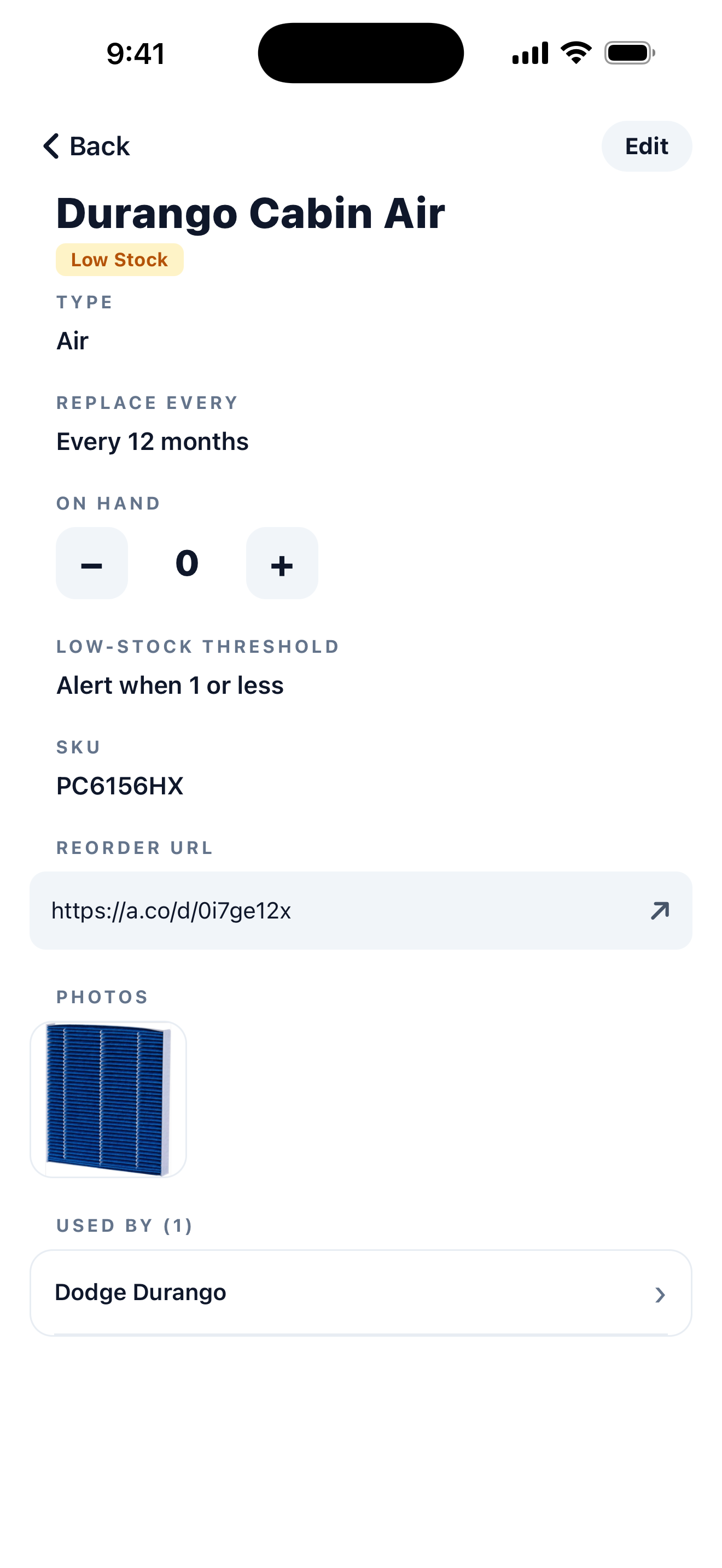
Each filter gets its own record: the type, how often it needs replacing, the SKU, a reorder link, and a reference photo so you always grab the right one.
Set the interval once and the next due date takes care of itself. Filters are tied to the devices that use them across Home, Auto, and Work, so you always know where each one belongs.
A nudge before it's due.
Push notifications fire before each filter approaches its replacement date. Choose how far ahead you want the heads up — 30 days, 7 days, the day of, whatever fits the rhythm of your life.
Add a second reminder for the truly forgetful. Pick the time of day notifications arrive. No accounts, no email — your reminders live on your phone.

Stock you actually have.
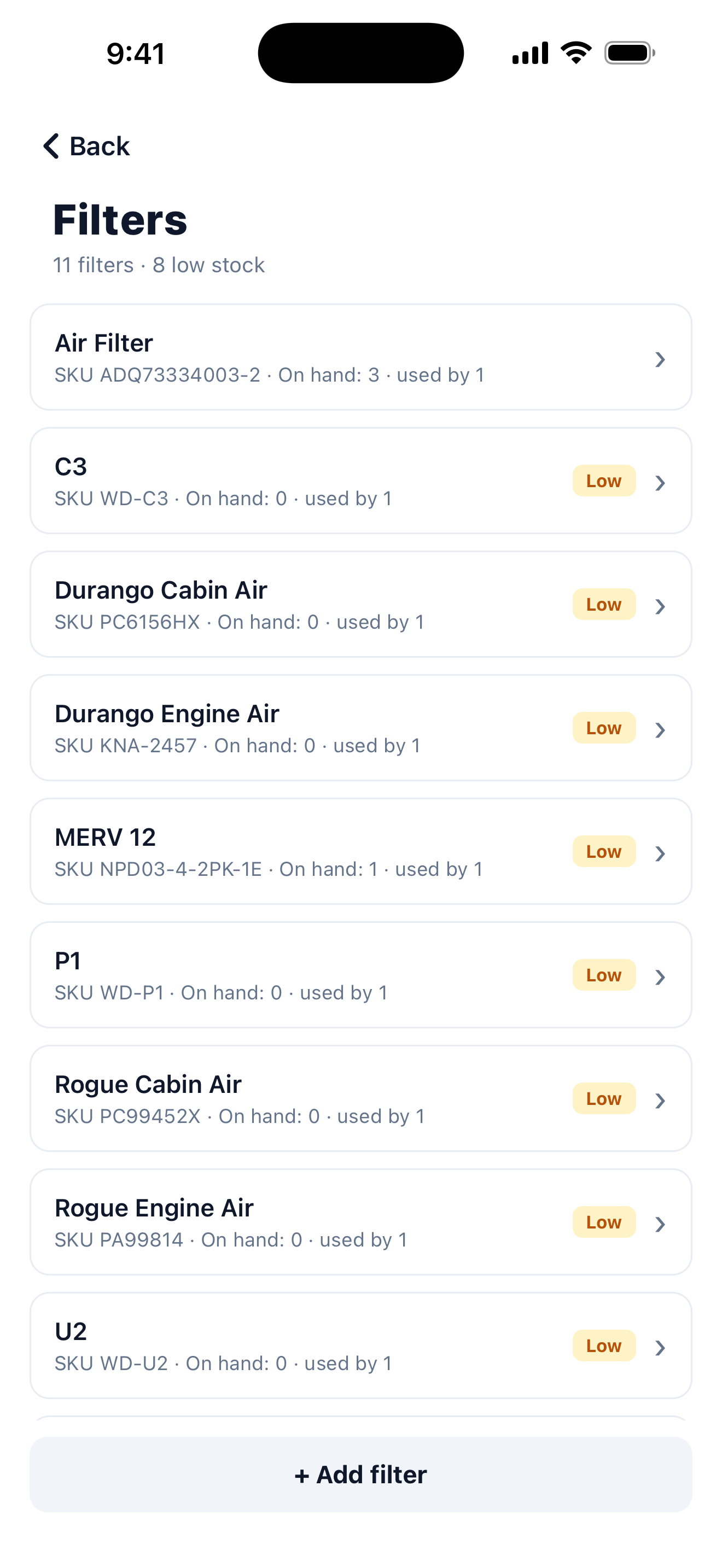
Every filter in one list, with how many you have on hand. The moment a count drops below your threshold it's flagged Low, so a replacement never sneaks up on you.
Reorder before you're scrambling. Each filter keeps its SKU and reorder link, so restocking the right one is a couple of taps.
Your filter list stays on your phone.
The Filter List doesn't have a server. Your filters, your photos, your dates — none of it leaves your device. No account, no signup, no cloud. Export a backup file anytime if you want a copy for safekeeping or to move to a new phone.